
ONE APP. TWO IDENTITIES.
One app,
two identities.
Keep the original for work. Give life a copy.
Two sides of your day, on one Mac.
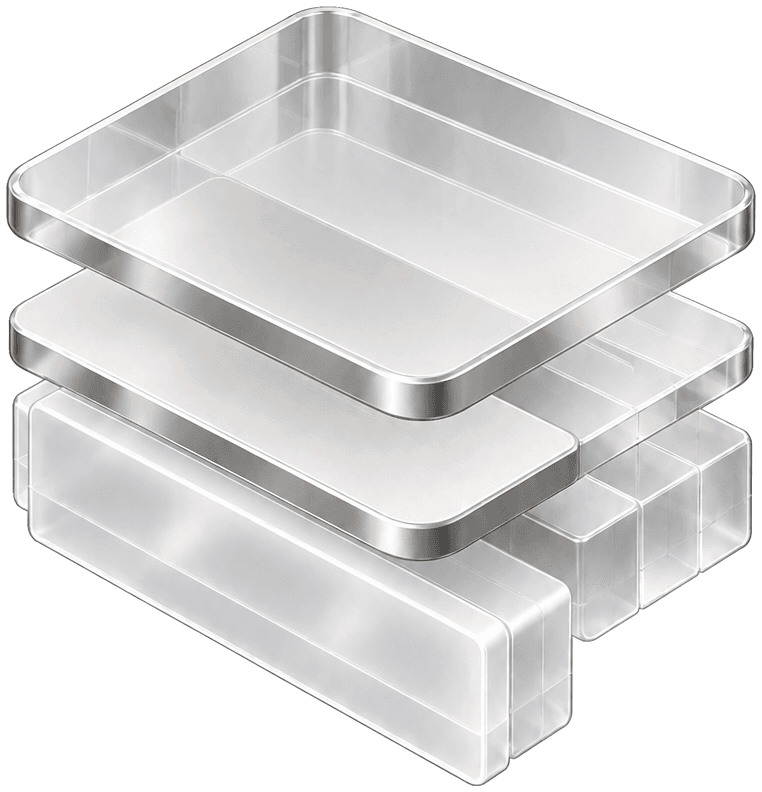
One app becomes two identities for work and life

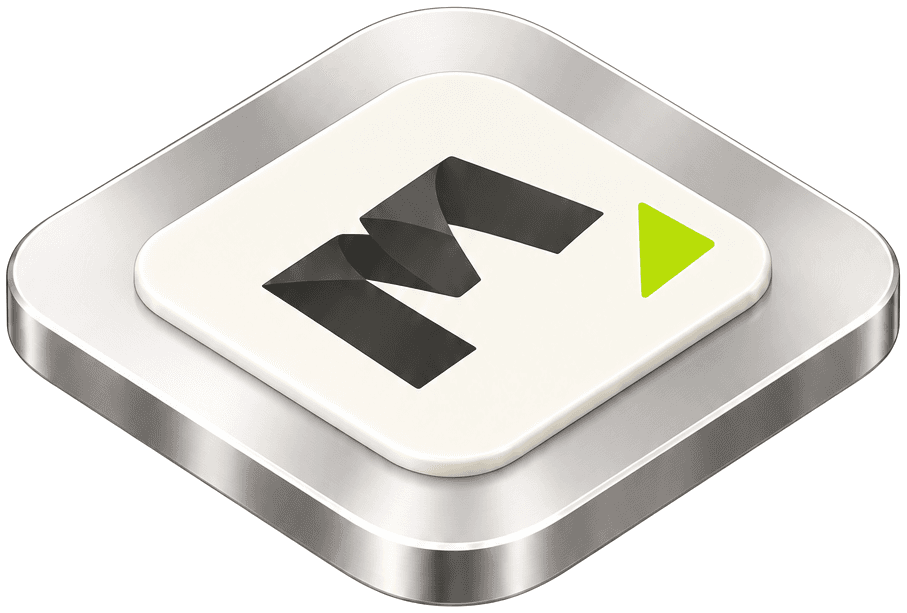
The original,
for work.
Your familiar setup.
Work picks up where it left off.
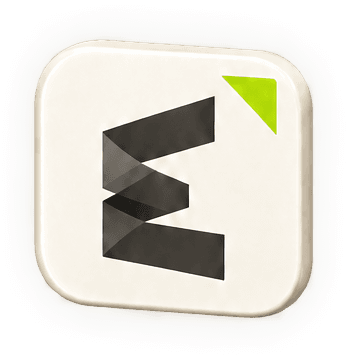
A new copy,
for life.
A new name and purpose.
Alongside the original on one Mac.
One app.
Work and life, side by side.
The example app illustrates how Dual works. Account and data behavior depends on the specific app.
What is Dual?
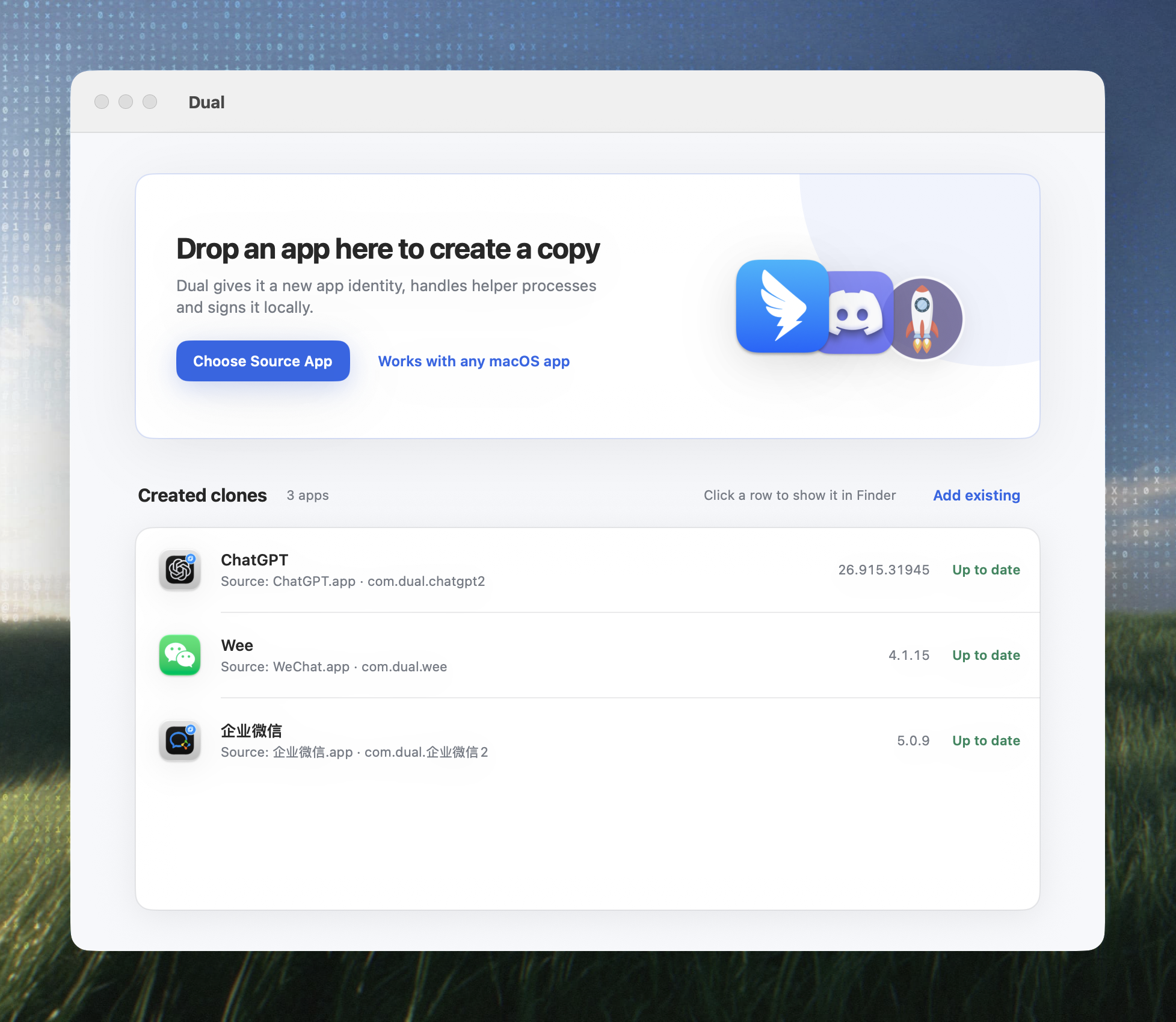
Dual is a macOS app cloner. It copies a selected app into an independent duplicate with a new name and bundle identifier, then re-signs it locally, so the original and the copy run side by side on the same Mac.
The clone process only reads the source app and never modifies it: keep the original for work and give the copy its own place in your day.
Dual at a glance
- Latest version
- v1.2.5
- Download size
- 2.1 MB
- Requires
- macOS 12.0 (Monterey) or later
- Architecture
- Separate builds for Apple Silicon and Intel
- Category
- macOS utility · app cloning
- Install
- Download the .dmg, or use the Homebrew Cask
- UI languages
- English, Simplified Chinese
- License
- GPLv3 + Commons Clause, personal non-commercial use
- Source code
- github.com/helson-lin/Dual
What it does
- Clone any .app into an independent copy
- Drag and drop an app, or quick-pick from /Applications
- Renames helper apps so the clone stays launchable
- Separate user-data directory for Electron clones
- Optional badge icon so clones are easy to spot
- Removes quarantine attributes and re-signs locally
- Tracks existing clones and their source status
Common uses
- Separate work from personal use
- Run two copies of the same app at once
- Prepare a clean, isolated environment for testing
- Keep a dedicated copy for demos and training
Apps verified to clone
- WeChat Business
- Telegram
- Discord
- Ghostty
- Kaku
- IINA
- AliMail
- DBX
These apps have verified compatibility fixes. Anything else can be tested yourself — results depend on the specific app. Share your results on GitHub to grow the list.
Work stays put.
Life gets room.
Dual creates a copy of a macOS app with a new name and Bundle ID, then signs it locally. Keep the original for work and give the second app a place in your personal life.
Frequently asked questions
- 01Does Dual modify the original app?
- No. Cloning only reads the source app; every change is written to the new copy, and the original stays untouched.
- 02Can the original and the copy run at the same time?
- Yes. The copy has its own display name and bundle identifier, so it coexists with the original and launches independently on the same Mac.
- 03Are the copy's account and data separate from the original?
- The copy uses its own bundle identifier, and for Electron apps Dual also gives it a separate user-data directory on every launch, including launches from Finder. Whether everything is fully isolated depends on how the specific app stores its data, so account and data behavior varies by app.
- 04Will the copy fail to open because of code signing?
- Dual removes stale quarantine attributes from the copy and re-signs it locally, so the copy launches independently.
- 05Does Dual need administrator rights?
- Only when the destination requires elevated access, for example when writing to /Applications.
- 06Which apps does Dual support?
- WeChat, QQ, WeChat Business, Telegram, Discord, Ghostty, Kaku, IINA, AliMail, DBX have verified compatibility fixes. Anything else can be tested yourself — results depend on the specific app.
- 07Does Dual support Apple Silicon and Intel Macs?
- Both, with a separate build for each architecture. macOS 12.0 or later is required.
- 08Is Dual free? Can I use it commercially?
- Dual is free to download under GPLv3 plus the Commons Clause: personal, non-commercial use. Commercial use requires written permission from the author.
- 09How do I remove a copy?
- A copy is an ordinary .app — drag it to the Trash to remove it. Dual can also clear existing clone data before creating a new copy.
Make room
for life.
Download Dual and create a second identity for an app you already use.